
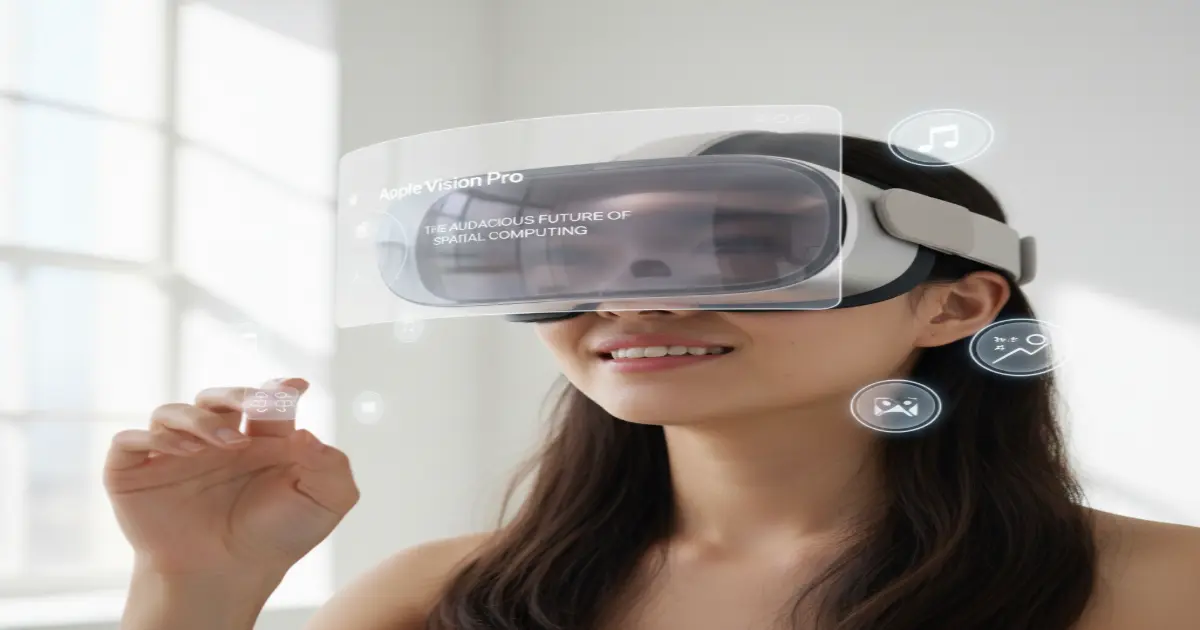
Apple Vision Pro: The Audacious Future of Spatial Computing

The $3,500 Threshold: Entering the Era of Spatial Computing
The arrival of the Apple Vision Pro marks a distinct schism in the timeline of personal computing. It is not merely a new accessory or a peripheral; it is Apple’s audacious attempt to define a post-smartphone epoch under the banner of “Spatial Computing.” At a staggering price point of $3,500, the device is explicitly not a mass-market product.
Instead, it serves as a sophisticated, expensive proof of concept—a time machine that allows early adopters to experience the technology of tomorrow using the hardware constraints of today. When Marques Brownlee (MKBHD) unboxed the device, the immediate realization was that this is not a competitor to the Meta Quest series in the traditional sense.
It is a solitary, high-fidelity computer that sits on your face, demanding not just a financial investment but a behavioral recalibration from its user. The pricing anchors it firmly in the realm of enthusiasts and developers, yet the technology packed inside suggests a roadmap that extends a decade into the future.
To understand the Vision Pro, one must first accept its physical reality. It is a dense, heavy piece of machinery. Weighing between 600 and 650 grams depending on the Light Seal and band configuration, it is significantly heavier than most of its plastic competitors. This weight is a direct consequence of Apple’s material choices: laminated glass, aluminum alloy, and magnesium.
While these materials lend the device an undeniably premium aesthetic—cool to the touch and robust in construction—they contribute to a fatigue factor that cannot be ignored. The device feels like a piece of high-end optical equipment rather than a toy. The front consists of a singular, three-dimensionally formed piece of laminated glass that flows into a custom aluminum alloy frame.
This frame gently curves to wrap around the user’s face, serving as the primary attachment point for the Light Seal and the head bands. It is a design marvel that screams ‘Apple’ from every angle, yet it is also a reminder that we are still in the ‘brick phone’ era of AR/VR headsets.
Hardware Mastery: The Glass, The Metal, and The Fit
The engineering prowess required to manufacture the Vision Pro is evident in its modularity and fit system. Apple ships the device with two band options: the Solo Knit Band and the Dual Loop Band. The Solo Knit Band is a triumph of textile engineering, featuring a ribbed 3D structure that stretches and breathes, controlled by a Fit Dial that allows for micro-adjustments.
It looks spectacular and is arguably the most ‘Apple’ part of the entire kit. However, physics is unforgiving. Without a top strap, the entire 600g weight of the headset leverages against the user’s cheekbones and forehead. For shorter sessions, it is manageable, but for extended use, the Dual Loop Band—which includes a top strap to redistribute weight—becomes a necessity.
This dichotomy between the ‘cool’ look and the ‘functional’ fit highlights the current limitations of head-mounted displays. The Light Seal, which magnetically attaches to the frame, comes in dozens of shapes and sizes, necessitating a face scan during the ordering process.
This bespoke approach ensures zero light leakage, a critical factor for maintaining immersion, but it also means the Vision Pro is a deeply personal device, difficult to share with friends or family without swapping out custom-fitted components.

Then there is the battery. In a decision that drew mixed reactions, Apple opted for an external battery pack tethered by a woven cable. This 350-gram aluminum brick acts as a permanent anchor. While it removes heat and weight from the user’s head—a crucial thermal management decision given the M2 and R1 chips inside—it introduces a friction point.
You are never truly wireless. You are always conscious of the cable running down your side, and if you stand up without grabbing the battery, you risk yanking the headset off your face. The connector itself is a proprietary, locking version of a Lightning-style cable, satisfyingly clicky but proprietary nonetheless.
The battery life is rated at 2 to 2.5 hours, just enough for a standard movie but insufficient for a full workday without plugging the battery itself into a wall outlet. This tethering reinforces the idea that the Vision Pro is currently a sedentary device, best experienced while seated on a couch or at a desk. The Verge’s comprehensive breakdown of the headset’s impact on the VR market
The Visual Paradigm: Micro-OLED and The R1 Chip
If the weight is the Vision Pro’s greatest weakness, the displays are its devastating strength. Apple has utilized custom micro-OLED technology to pack 23 million pixels into two postage-stamp-sized displays. This results in a pixel density that effectively eliminates the ‘screen door effect’—the visible grid of pixels that has plagued VR headsets for a decade.
When you put the headset on, you are not looking at a screen; you are looking at a 4K monitor floating in space. Text is razor-sharp. You can read a PDF, browse a desktop-class website, or edit a video without the eye strain associated with lower-resolution panels. This visual fidelity is what makes the concept of ‘Spatial Computing’ viable. If the text weren’t sharp, you couldn’t work in it.
Because it is, the Vision Pro can genuinely replace a monitor for many tasks. Driving these displays is a dual-chip architecture. The M2 chip handles the general computing tasks—running visionOS, processing apps, and managing graphics. However, the unsung hero is the new R1 chip. This dedicated silicon is responsible for processing input from the device’s 12 cameras, 5 sensors, and 6 microphones.
Its primary directive is to reduce photon-to-photon latency—the time it takes for an image to be captured by the external cameras and displayed on the internal screens. The R1 chip achieves a latency of just 12 milliseconds. To put that in perspective, a human eye blink takes about 300 to 400 milliseconds. This near-zero latency is critical for ‘Passthrough,’ the feature that shows you the real world.
Unlike other headsets that offer a grainy, distorted black-and-white view of reality, the Vision Pro’s passthrough is high-resolution, color-accurate, and depth-correct. It is not perfect—there is still motion blur in low light and dynamic range issues when looking at bright windows—but it is close enough to reality that your brain accepts it, allowing you to walk around, pick up your phone, or drink coffee without taking the headset off. iFixit’s teardown revealing the internal complexity of the R1 chip
To manage the immense computational load of rendering 23 million pixels, Apple employs a technique called foveated rendering. Inside the headset, high-performance eye-tracking cameras monitor exactly where your pupil is looking at any given millisecond. The system then renders the area directly in your line of sight at full 4K resolution while reducing the rendering quality in your peripheral vision.
This mimics human biology; our eyes only see sharp detail in the center of our vision (the fovea). By mirroring this biological reality, Apple saves processing power without the user ever noticing. MKBHD noted that you can only catch this system in action if you watch a screen recording on a separate monitor; inside the headset, it feels like magic. Everywhere you look, the world is sharp.
Interaction: The Magic of Eye Tracking
The control scheme of the Vision Pro is perhaps its most revolutionary contribution to the industry. There are no controllers. No wands, no remotes, no haptic gloves. The interface is controlled entirely by your eyes and your hands. You look at an icon to highlight it, and you tap your thumb and index finger together to click. This ‘look and click’ mechanic is described by reviewers as ‘telepathic.’
The eye tracking is so precise that it feels as though the device is reading your intent before you even act. If you look at a tiny ‘X’ to close a window, it highlights instantly. If you look at a search bar, it activates. The learning curve is practically non-existent because it leverages the natural behavior of human vision.

However, this perfection relies on the cameras seeing your hands. Fortunately, the Vision Pro’s downward and outward-facing cameras have a massive field of view. You can rest your hands comfortably in your lap, on the couch, or on your desk, and the system will register the pinch gesture.
You do not need to hold your arms up in the air like a conductor, preventing the ‘gorilla arm’ fatigue common in other gesture-based systems. There are nuances, of course. Scrolling is achieved by pinching and dragging the air, and zooming involves pinching with both hands and pulling apart. It is fluid and responsive, akin to the first time one used multi-touch on an iPhone.
Yet, it is not without flaws. If you are eating, or if your hands are obscured by a blanket, the system can get confused. But when it works—which is 99% of the time—it makes every other VR controller feel clumsy and archaic.
Ecosystem and Software: The Lonely Canvas
visionOS is the operating system powering this experience, built on the foundations of iPadOS. This is both a blessing and a curse. On one hand, it means the Vision Pro launches with a massive library of compatible iPad apps. You can run Microsoft Office, Lightroom, or Slack in giant floating windows. On the other hand, these are just 2D apps floating in 3D space.
The number of apps built specifically for the spatial capabilities of the Vision Pro—apps that bring 3D models into your room or utilize the immersive environment—was relatively small at launch. Developers are still figuring out the language of spatial computing. The ‘killer app’ right now is arguably the Mac Virtual Display. If you look at your MacBook while wearing the headset, a ‘Connect’ button appears.
Pinch it, and your laptop screen goes black, re-appearing as a massive, crystal-clear virtual monitor in front of you. You can use your physical keyboard and trackpad to control this virtual behemoth, essentially giving you a portable multi-monitor setup. Real-world travel experiences with the Vision Pro
Despite these capabilities, the Vision Pro can feel isolating. Apple introduced a feature called ‘EyeSight’ to mitigate this. The front of the headset houses a lenticular OLED display that projects a digital recreation of your eyes to the outside world. When you are in passthrough mode, people see your ‘eyes’ (or rather, a 3D avatar of them).
When you are immersed in content, the screen shimmers with a colorful cloud to indicate you are unavailable. In practice, however, this feature falls into the uncanny valley. The external display is dim, low-resolution, and the digital eyes often look lifeless or slightly misaligned.
It is a noble attempt to maintain human connection, but in its current iteration, it feels more like a barrier than a bridge. It creates a ‘ghost in the machine’ vibe that many find unsettling.
The Verdict: A glimpse of 2034 in 2024
The Apple Vision Pro is a product of contradictions. It is the best headset ever made, yet it is flawed in ways that only a first-generation product can be. It offers the most immersive visual experience money can buy, but it isolates the user in a way that feels dystopian.
It is a productivity powerhouse for solo work, but a heavy burden for collaborative environments. MKBHD’s analysis concludes that while the tech is ‘tomorrow’s ideas,’ the form factor is very much ‘today’s tech.’ The battery constraints, the weight, and the price are the shackles keeping this from mass adoption.

Ultimately, the Vision Pro is not for the average consumer. It is for the wealthy enthusiast, the developer, and the tech evangelist who wants to understand where computing is going. It establishes a new baseline for what is possible. Just as the original iPhone was expensive and lacked 3G or an App Store, the Vision Pro is a foundational slab.
It proves that eye tracking can be the new mouse, that passthrough can be the new window, and that screens can be optional. For now, it is a $3,500 ticket to the future—a future that is breathtaking, heavy, and a little bit lonely. Apple’s official technical specifications for the Vision Pro






If you are researching the field of color science and wondering “what is my color palette,” there are amazing options out there like no-cost color analysis evaluations and apps that support you in pinpoint your base tones and optimal season. [url=https://quiz-color-analysis.top]ai color analysis free[/url] Whether you tend towards a gentle winter, warm summer, or even dark winter color palette, exploring skin tone diagrams and taking a skin natural tone test can have a big impact in picking colors that beautifully enhance you. For a more in-depth method, the 16 season color analysis system is extremely detailed, and you can take a 16 seasonal color analysis evaluation online for customized results.
If you have been using Color Analysis Pro and decide to cancel your subscription, or simply wondering about how to maintain your subscription, there are clear steps to apply to cancel color analysis pro without difficulty. Besides, if you hope to dive more thoroughly into topics like light olive tone, red-toned skin, or soft olive skin color maps, many resources give complete info and references. For more help with selecting your color palette or understanding skin tone science, you can explore more .